

Blog
News, tutorials, tips and tricks
August 31, 2016
How to use PSORTb
This tutorial shows how to assign subcellular localizations with PSORTb in OmicsBox/Blast2GO. We also explain how to merge the obtained results to the existing functional
August 23, 2016
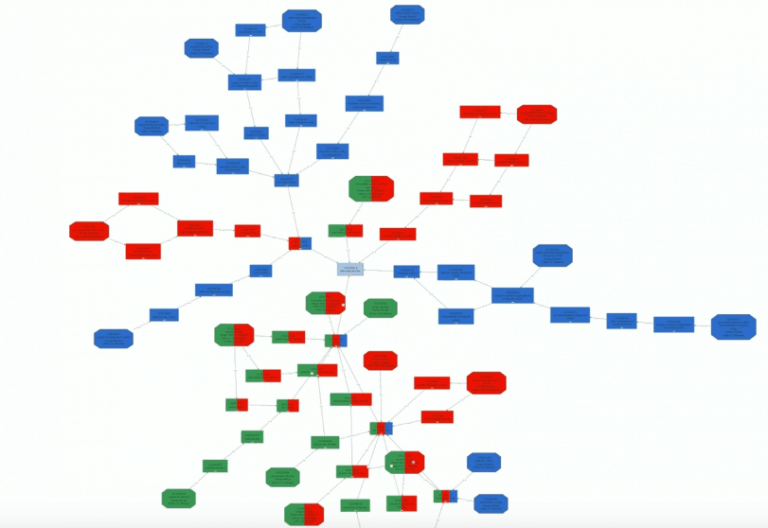
Coloured Graphs: How to combine multiple functional GO profiles
The Coloured Graph option is a function in Blast2GO which allows to combine and visualize multiple functional profiles within one GO graph. For each group
August 9, 2016
How to select sequences by function and create ID lists
This tutorial shows how to use the Generic Table and the “Select” functions in Blast2GO to identify sequences based on its biological functions and how
August 3, 2016
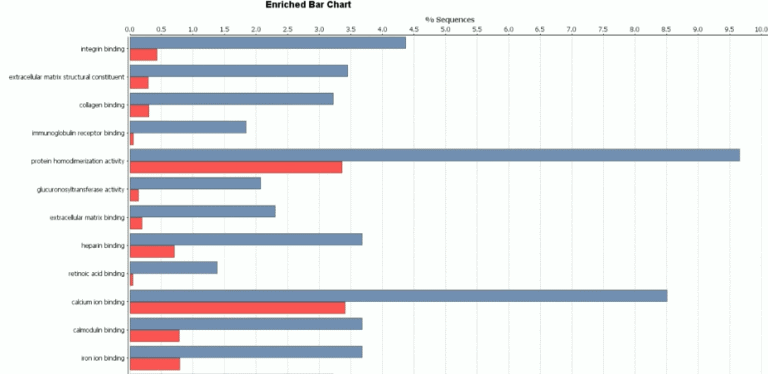
How to perform a Fisher’s Exact Test
OmicsBox allows performing functional enrichment analysis with a Fisher’s Exact Test. It is a statistical test based on contingency tables to study the significance of
August 2, 2016
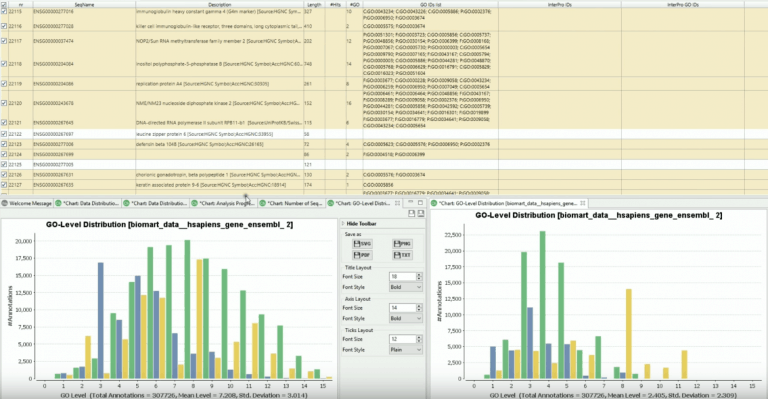
How to use BioMart and GO-Slim
This short video shows how to use BioMart and GO-Slim to download and review the whole human genome functional annotation with Blast2GO. BioMart allows you

August 1, 2016
How to run local Blast against a custom database
Blast2GO allows you to create your own Blast database from a single or multi-species FASTA file using the option “Make Blast Database“. Once the database

July 8, 2016
How to use RFAM
Blast2GO allows search for non-coding RNA (ncRNA) families and other structured RNA elements sequences via the RFAM webservice. The RFAM database is a collection of
June 27, 2016
How to Set Maximum Memory for Blast2GO
OmicsBox/Blast2GO automatically reserves up to 80% of the available system memory (i.e. RAM), which is fine in most cases. However, sometimes and especially on Linux,
June 27, 2016
How to Change the Temp Folder Location for Blast2GO
OmicsBox/Blast2GO can handle big data, but it needs plenty of free disk space in the systems temporary files folder. If you run into troubles with